Tame your documents with AI-powered classification
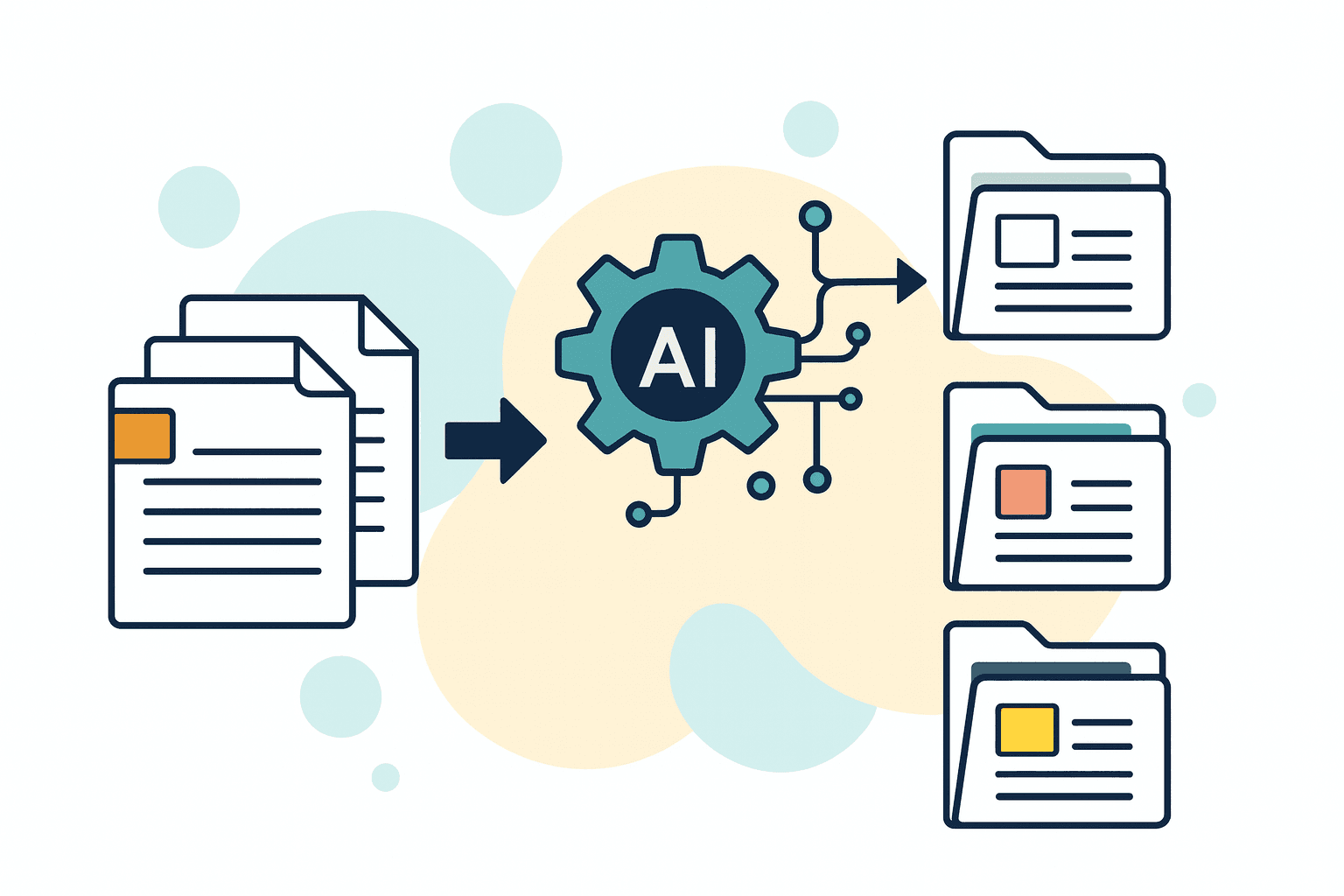
ClassifAIer scans your existing repositories without changing how you work. It auto-generates document types and fields, extracts key properties, and gives you powerful search and reporting. Built for Microsoft 365: SharePoint, OneDrive, and Entra ID. Unlike OCR-only tools, it uses AI vision to look at document pages — layout, images, stamps, and handwriting — so it understands context and can pull out cues like a handwritten number on the page.
Free trial available now. No credit card required.
 ClassifAIer
How it works
ClassifAIer is vision-first. Instead of running OCR and asking questions about plain text, it looks at the actual pages — including layout, visual cues, and handwriting — which improves context understanding and enables extraction of details that pure text often misses (like that handwritten number in the margin).
Built for Microsoft 365
Seamless integration with SharePoint and OneDrive using Microsoft Entra ID. Keep your permissions model. Keep your structure. ClassifAIer reads what you already have and layers intelligence on top.
- Read-only scanning with a dedicated service principal
- Respect for site/library permissions and retention
- No migration required—organize later if you choose
- • "Scan-to-folder" inboxes piling up for years
- • Legacy shared drives that no one understands anymore
- • Client files that need consistent default properties (name, number, address)
Start your free trial today
Get started in minutes. Sign in with your Microsoft account and connect your repository.
No credit card required